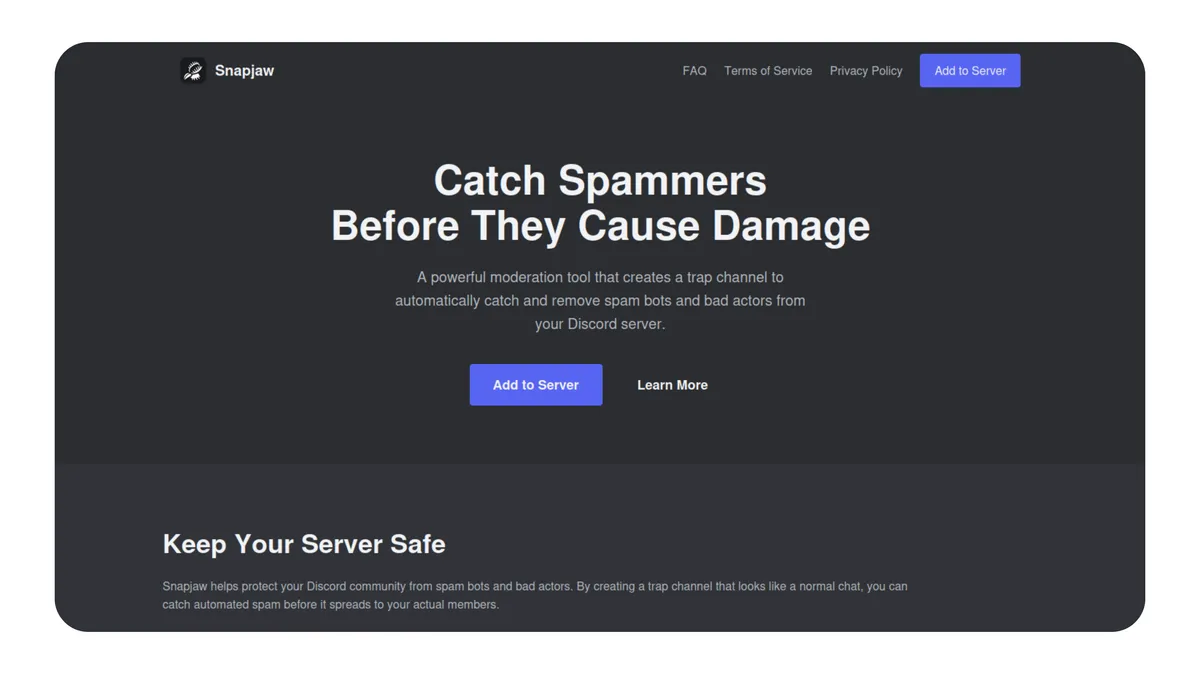
Snapjaw | Server Honeypot Security System
A Discord security bot that uses honeypot channels to identify and remove unauthorized users from your server.
01. Detection Method
The system designates one channel within your server as a monitored honeypot. This honeypot channel displays a visible warning to all visitors, informing them that the channel is monitored for security purposes. When a user sends a message, the system checks their access level. Users with administrative authority or elevated rank are recognized as staff and bypassed. All other users who trigger the honeypot are logged and the assigned enforcement action is carried out automatically.
02. Security Actions
The system offers four enforcement responses:
- Softban: The user is removed, their recent activity is erased, then permitted to re-enter. This clears history while avoiding a permanent removal.
- Ban: Permanent removal from the server with recent message deletion.
- Timeout: Restriction from communicating or interacting for fourteen days.
- Log Only: Records the incident without further action. This setting is marked as not recommended.
03. Safety Safeguards
The system includes two safeguards to prevent false targeting. First, individuals with administrative authority or elevated rank are excluded from detection, ensuring staff members are never flagged. Second, a warning message must be present in the honeypot channel before the system activates, ensuring genuine visitors have clear notice that the area is monitored before any enforcement occurs.
04. Deployment
Server administrators activate the system by issuing the configuration command. They select the honeypot channel from the available list, choose their preferred enforcement response, and compose the warning text that will display to visitors. Optionally, they may designate a separate logging channel where detection events are filed for review. Once saved, the configuration persists in cloud storage and activates immediately.
Ready to get rid of scammers? Invite Snapjaw now!